How to Securely Dispose of Old Company Laptops
When a company laptop reaches the end of its life, getting rid of it feels like a simple task: wipe it, bin it or recycle it, move on. In reality, an old work laptop is one of the riskier things a business can dispose of carelessly. It almost certainly still holds recoverable company and personal data, it is subject to environmental rules, and it may still be worth money. Handled badly, it becomes a data breach, a compliance problem, or simply wasted value.
Here is how to dispose of old company laptops properly, step by step.
Step 1: Understand that "deleting" does not remove the data
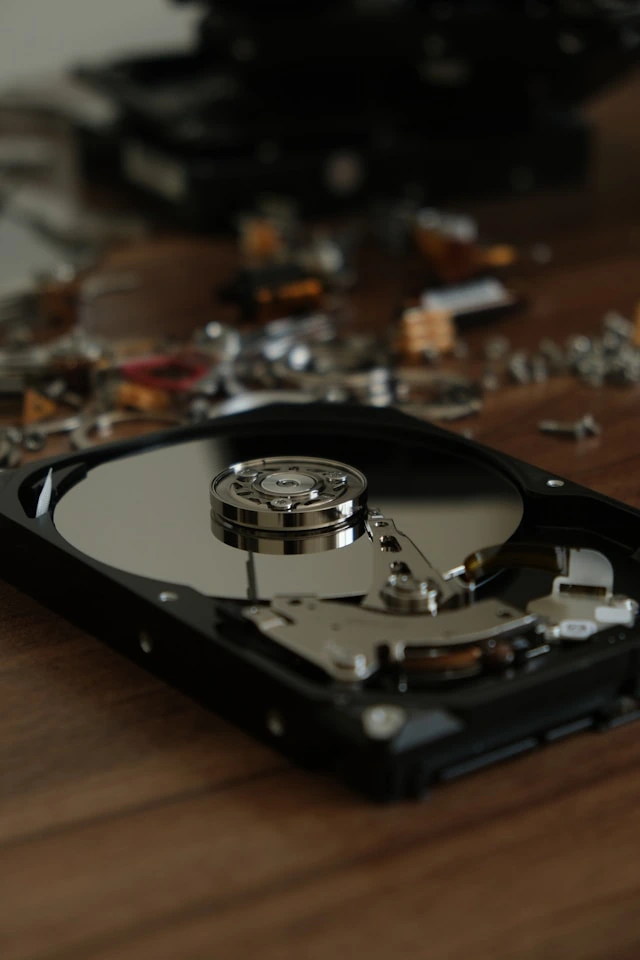
This is the mistake almost everyone makes. Deleting files, emptying the recycle bin, or doing a factory reset does not actually erase the data on a laptop. It removes the signposts to it, but the underlying information stays on the drive and can be recovered with freely available tools.
So a laptop that has simply been “wiped” in the ordinary sense is not safe to pass on, sell or recycle. The data is still there. This is the single most important thing to understand before you do anything else with old equipment.
Step 2: Don't let laptops pile up
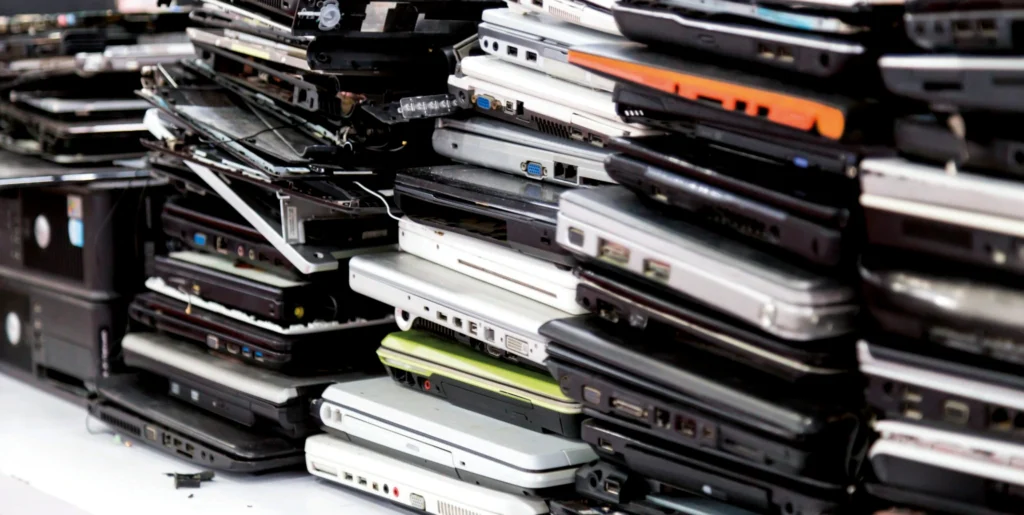
Retired laptops have a habit of accumulating in a drawer or store room while everyone gets to more urgent work. There are two reasons not to let that happen.
First, every laptop sitting in a cupboard is unsecured data waiting to go missing. Second, technology loses value fast. A laptop retired and dealt with promptly is worth considerably more than the same machine left for a couple of years. If you want to recover any value, time matters.
Step 3: Decide between erasure and destruction
There are two ways to approach the reomoval of data, and the right one depends on the laptop.
Certified data erasure uses specialist software to genuinely overwrite the data to a recognised standard, then issues a certificate proving it is gone. This leaves the laptop working, so it can be reused or resold. This is usually the right choice for laptops that still have life and value in them. Find out more about certified data erasure.
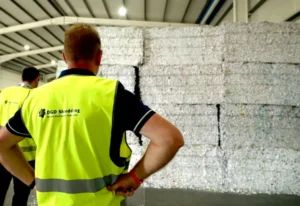
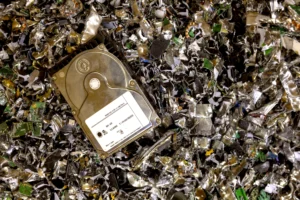
Physical destruction shreds the drive, so recovery is impossible. The data is gone, but so is the device. This is the right choice for laptops that are genuinely end-of-life, faulty, or where your security policy requires the drive to be physically destroyed. Find out more on secure data destruction.
A good disposal process does not force one method on everything. It applies the right one to each machine.
Step 4: Insist on a certificate for every device
Whether a laptop is erased or destroyed, you should receive documented proof for each individual device, a Certificate of Erasure or a Certificate of Destruction. This matters for more than tidiness. Under GDPR, your organisation has to be able to demonstrate that data on retired equipment was securely dealt with. In Ireland, that obligation is enforced by the Data Protection Commission.
A single vague statement covering a whole batch is not the same as an itemised record for each machine. If anyone ever asks how a specific laptop was handled, a per-device certificate is the answer.
Step 5: Recover value where you can
Not every old laptop is waste. Business laptops in particular often retain real second-hand value. Once a laptop has been certifiably erased, it can be resold, and a good arrangement returns the proceeds to your business rather than absorbing them. This can turn a disposal cost into a modest return. Find out more about IT asset resale and value recovery.
Step 6: Use a certified provider
Everything above, secure erasure or destruction, per-device certificates, value recovery, responsible recycling, is what a professional disposal process delivers as standard. The umbrella term for it is IT Asset Disposition, or ITAD, and a certified provider handles the whole thing: secure collection, the right treatment per device, the documentation, and the recycling.
The things worth checking in a provider are recognised accreditations (such as EN-15713 for secure destruction and Blancco for certified erasure), a clear chain of custody with vetted personnel, and itemised documentation for every device.
Doing it properly with DGD Technology
DGD Technology handles secure disposal of company laptops and other IT equipment for organisations across Ireland, from a single device to a full office clearance. Every data-bearing device is certifiably erased or destroyed, with an itemised certificate issued for each one, and laptops with residual value can be resold with proceeds returned to you. Collection is carried out by Garda-vetted operatives and tracked throughout.
To dispose of old company laptops securely, get in touch with DGD Technology.
About DGD Technology
DGD Technology brings certified IT Asset Disposition, data erasure, and lifecycle management to businesses across Ireland, backed by the same standards of security, compliance, and accountability that have defined DGD Shredding since 1998. From certified erasure to secure destruction and asset resale, we help businesses retire IT equipment properly, whatever stage it has reached.
Want to see what our services can do for you?
Explore our ITAD & Lifecycle Solutions or find out more about our Shredding Services.
Find out how we can help your business? Talk to the team at sales@dgdtechnology.ie or call 1800 491 333.